What Is IPTV? A Complete Beginner’s Guide to Internet Protocol Television
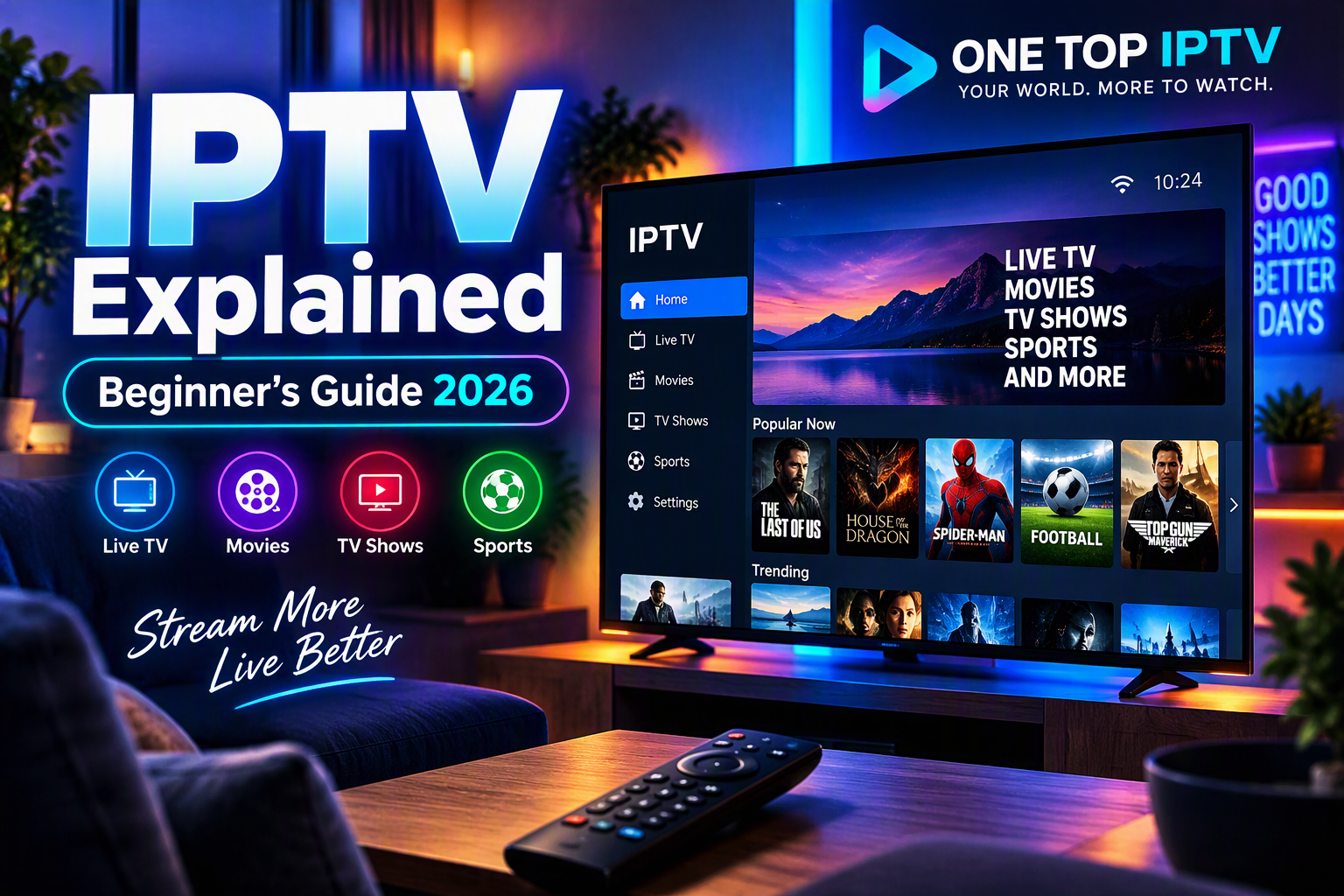
If you’ve been exploring new ways to watch television, you’ve probably come across the term IPTV. As internet technology continues to evolve, IPTV has become an increasingly popular way to access television programming over an internet connection instead of traditional cable or satellite systems.
This guide explains what IPTV is, how it works, its key features, common device compatibility, and what to consider when choosing a service.

What Does IPTV Mean?
its stands for Internet Protocol Television. Instead of delivering television through traditional broadcast signals, its uses internet protocols to stream television content to compatible devices.
Unlike conventional cable or satellite systems, IPTV relies on your internet connection to deliver content, giving users more flexibility in how and where they watch.
How IPTV Works
The process is straightforward and typically involves the following steps:
Internet Connection
A stable broadband connection is essential for smooth streaming. The quality of your viewing experience depends in part on your connection speed and network stability.
IPTV Subscription
After subscribing to an IPTV service, users generally receive account credentials or playlist information compatible with supported applications.
IPTV Application
A compatible app player is installed on the user’s preferred device. The login details or playlist are entered into the application to access the service.
Streaming Content
Once configured, users can browse available channels or on-demand libraries through the application’s interface.
Why IPTV Has Become Popular
Several factors have contributed to the growing popularity of subscribtion:
Flexibility
Users can watch on a variety of compatible devices instead of being limited to a single television.
Convenience
Many services provide straightforward setup with compatible this applications.
Multi-Device Compatibility
Many subscribtion services support:
- Android TV
- Smart TVs
- Amazon Fire TV devices
- Android phones
- iPhone
- iPad
- Windows PCs
- Mac computers
- Android TV Boxes
- Chromecast
- MAG devices
- Formuler devices
Common IPTV Features
While features vary by provider, many of services offer:
- Live television streaming
- Video-on-demand libraries
- Electronic Program Guide (EPG)
- HD and 4K support where available
- Multi-device compatibility (depending on the subscription)
- Customer setup assistance
IPTV vs Traditional Cable TV
| Feature | IPTV | Traditional Cable |
|---|---|---|
| Delivery Method | Internet connection | Cable infrastructure |
| Device Flexibility | Multiple compatible devices | Primarily cable boxes |
| Installation | Software-based setup | Physical installation |
| Portability | Often usable on various supported devices | Usually location-specific |
What Do You Need to Use subscribtion?
Getting started with generally requires:
- A reliable internet connection
- A compatible streaming device
- An the application supported by your provider
- Active subscription credentials
Tips for Choosing an IPTV Service
Before selecting a provider, consider:
Device Compatibility
Verify that your preferred devices are supported.
Customer Support
Helpful setup guidance can make the installation process much easier.
Streaming Performance
Look for providers that emphasize reliable service and clear setup documentation.
Ease of Setup
A simple onboarding process can save time, especially for new users.
Why Choose One Top IPTV?
One Top IPTV offers subscription options designed to work with many popular streaming devices. The service emphasizes device compatibility, easy installation, and customer support to help users complete setup quickly.
For product information or setup assistance:
Website: www.onetopiptv.com
WhatsApp: +97337628935
Frequently Asked Questions (FAQ)
What is IPTV?
its stands for Internet Protocol Television, a method of delivering television programming over an internet connection.
Is it the same as cable TV?
No. IPTV uses internet protocols for content delivery, while cable TV relies on dedicated cable infrastructure.
What devices can I use with IPTV?
Many subscribtion services support Smart TVs, Android TV devices, Fire TV devices, smartphones, tablets, Windows PCs, Macs, Chromecast, MAG devices, and Formuler devices.
Do I need a special television?
Not necessarily. subscibtion can be used on a range of compatible devices, including external streaming devices connected to a TV.
Is difficult to set up?
Most services provide setup instructions, and many users can complete the process by installing a compatible application and entering their subscription details.
Conclusion
its offers a flexible way to access television programming over an internet connection on a wide variety of compatible devices. By understanding how to works and what to look for in a provider, you can make a more informed decision and choose a service that matches your needs.
Call to Action
Interested in learning more about fore subscriptions and compatible devices?
Visit One Top IPTV at www.onetopiptv.com or contact the team on WhatsApp: +97337628935 for information about subscription options and setup assistance.