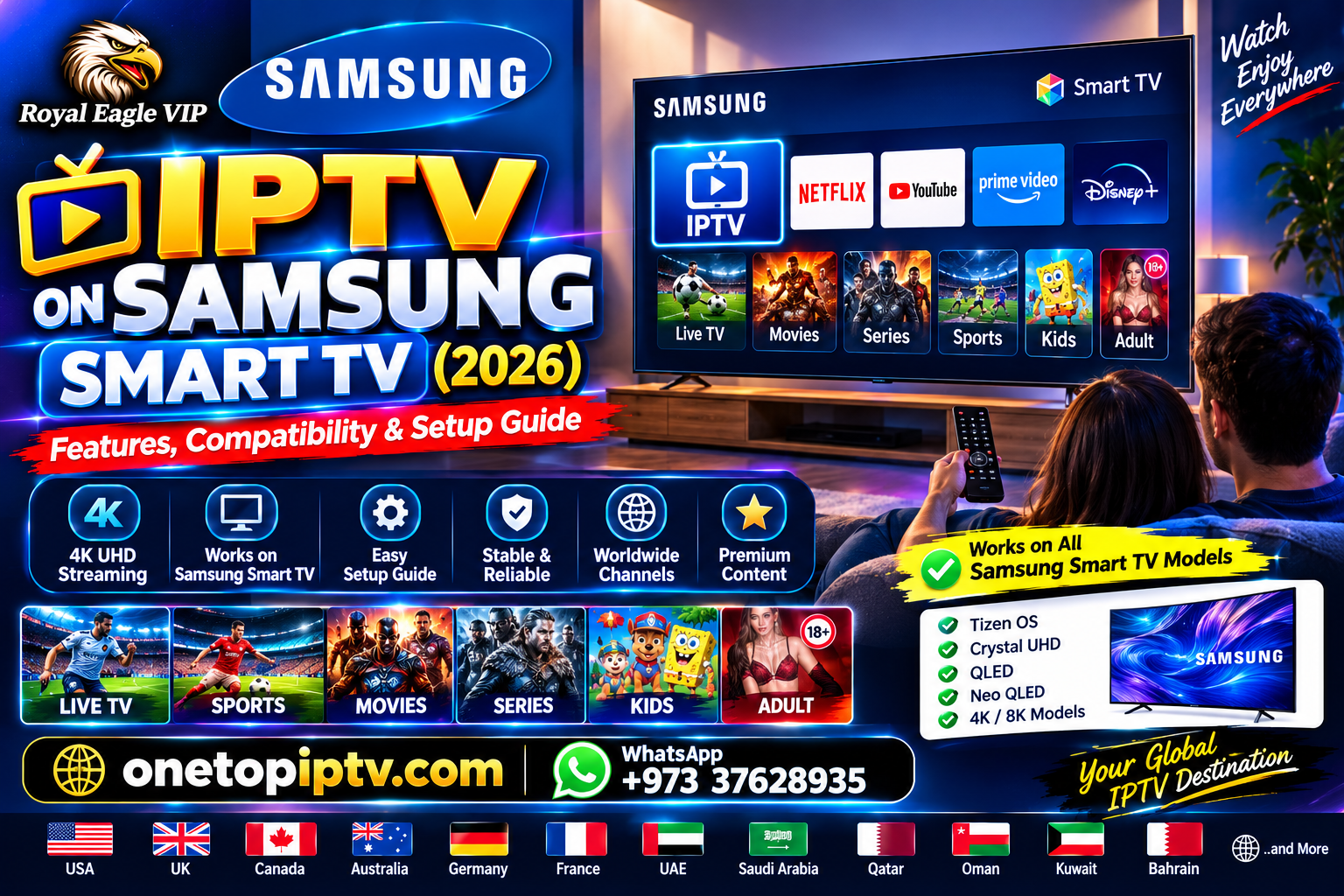
IPTV on Samsung Smart TV (2026): Features, Compatibility & Setup Guide
Introduction
Samsung Smart TVs are among the most popular streaming devices worldwide. Thanks to built-in internet connectivity and a wide range of compatible applications, they provide an easy way to enjoy internet-based entertainment without additional hardware.IPTV on Samsung Smart TV
This guide explains how IPTV-compatible applications work on Samsung Smart TVs, what features they typically support, and how to optimize your viewing experience.
Can Samsung Smart TVs Support IPTV?
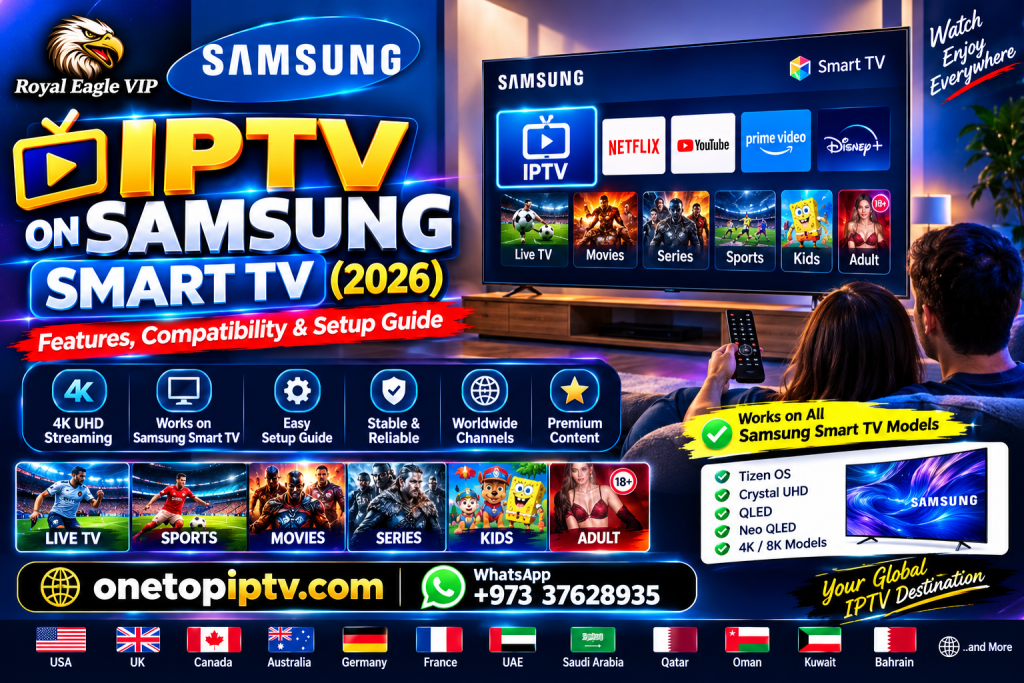
Yes. Many Samsung Smart TVs can run IPTV-compatible player applications through the Samsung Smart Hub, depending on the TV model, operating system version, and app availability.
The player application itself does not include television channels or subscription content. Instead, it provides an interface for accessing content from compatible, authorized streaming services.
Features of IPTV Player Applications
User-Friendly Interface
Most IPTV player apps are designed for easy navigation with a TV remote.
Electronic Program Guide (EPG)
Many applications display TV schedules when EPG data is provided by the connected service.
Favorites
Users can organize frequently watched channels or content into personalized favorites.
Search
Built-in search tools help locate available content quickly.
Multi-Resolution Playback
Depending on your TV, internet connection, and streaming service, compatible apps may support HD or 4K playback.
Compatible Samsung Devices
Depending on the model and software version, IPTV-compatible applications may work on:
- Samsung Smart TVs running supported versions of Tizen OS
- Newer Samsung 4K Smart TVs
- Samsung QLED TVs
- Samsung OLED TVs
Application availability varies by region and device model.
Tips for Better Streaming
- Keep your Samsung TV software updated.
- Use a stable broadband or fiber internet connection.
- Connect via Ethernet if supported for improved stability.
- Keep your IPTV player application updated.
- Minimize network congestion while streaming.
Frequently Asked Questions (FAQ)
Can I install IPTV apps on Samsung Smart TV?
Many Samsung Smart TVs support IPTV-compatible player applications through the Smart Hub, subject to regional availability and device compatibility.
Does an IPTV player include TV channels?
No. IPTV player applications provide a playback interface only and do not include television channels or subscription content.
Does Samsung Smart TV support EPG?
Many IPTV player applications support Electronic Program Guides when guide information is supplied by a compatible streaming service.
Do I need an internet connection?
Yes. Internet connectivity is required to access internet-based streaming content.
Conclusion
Provide a flexible platform for IPTV-compatible player applications. With support for modern streaming features, user-friendly interfaces, and high-quality playback on supported hardware, they are a popular choice for home entertainment. For the best experience, keep your TV and apps updated, use a reliable internet connection, and access content only through services that are authorized to provide it.
Call to Action
Visit One Top IPTV for more educational articles about IPTV technology, Smart TVs, streaming applications, networking, Electronic Program Guides (EPG), streaming protocols, and device compatibility.
Website: One Top IPTV
WhatsApp: +97337628935